
The short answer
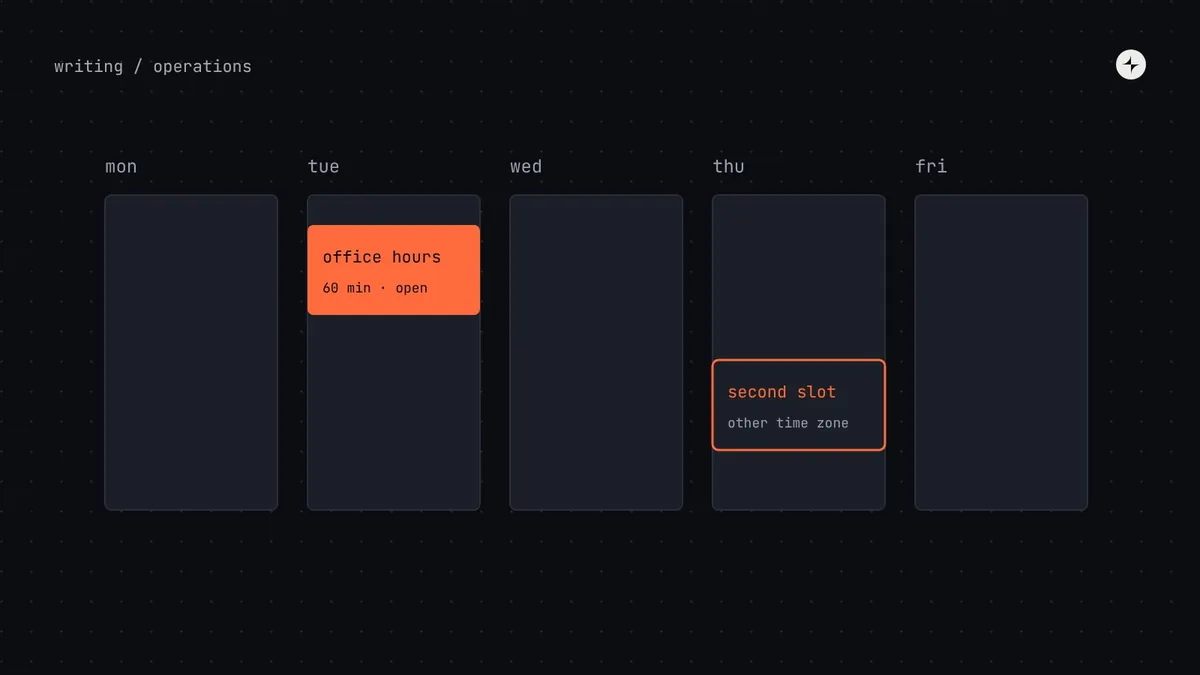
Design system office hours are a regular, open time slot where anyone can bring a question, a design or some code and get help from the system team. To make them work: weekly, same time, 60 minutes; two hosts (a system designer and a system engineer); people bring the real file or code; and every session produces outputs: answers, logged requests, new FAQ entries and a two-line summary in the channel. Run a second slot for distant time zones, or record a summary.
- Office hours are the most effective routine a system team can run, and free research every week.
- Low turnout is usually a timing or format problem, not a demand problem.
- Anything that reveals a gap becomes a request; anything asked twice becomes documentation.
Why office hours matter
Most design system help happens in chat: a quick question, a quick answer. That works for small things. It doesn't work for "how should I build this screen with the system?", which needs someone to look at the actual design or code with you. Office hours give that conversation a predictable home.
They also do three jobs at once. They help teams build with the system instead of around it. They build relationships: people who've been helped once come back, and bring colleagues. And every session is research: you hear exactly where people struggle, in their own words, without running a study.
The format
Weekly, same time, 60 minutes
Predictability matters more than length. People should know without checking when the next one is.
A designer and an engineer
Design and code questions both get answered on the spot, and the answer is usually "here's how it works in both".
Optional sign-up, drop-ins welcome
A one-line topic lets hosts prepare. But don't make sign-up a barrier.
Screens first
People bring the real Figma file or the real code, not a description of it. Most problems are obvious once you see them.
What every session should produce
A meeting without an output is the first thing to cut. Office hours have four:
A resolution for each question
Answered on the spot, or given a follow-up owner and a date.
Logged requests
Anything that reveals a gap in the system becomes a request through the normal front door. See the contribution model.
Documentation fixes
Any question asked twice becomes a docs or FAQ entry. Office hours are the best source of "what's missing from the docs".
A two-line summary
Posted in the system channel after each session: what came up, what changed. These often become the channel's most-read posts.
When nobody turns up
Many teams start office hours, see three people arrive, and quietly stop. Before cancelling, change the details:
An illustration: from three visitors to a waiting list
Office hours average three visitors. The team considers cancelling them.
They move the slot from Friday afternoon to Tuesday morning, add an engineer host, ask champions to bring one real problem each, and post a summary after every session.
Within two months sessions are full, the summaries are the channel's most-read posts, and half of next quarter's roadmap came from office hours.
- Timing: early in the week, during core hours, away from sprint ceremonies. Friday afternoons fail.
- Hosts: without an engineer, half the questions can't be answered, and engineers stop coming.
- Champions: ask each champion to bring one real problem from their team.
- Visibility: the summaries are the advert. People come when they see what others got help with.
- Calendar: a recurring invite people can accept, not a link buried on a docs page.
Office hours by company size
| Size | What works |
|---|---|
| Startup | No formal office hours. A standing "ask anything" thread and the owners' calendars. |
| Scale-up | One weekly slot, two hosts, summaries in the channel. |
| Mid-sized, distributed | Two slots in different time zones, or one slot plus a recorded summary. Regional champions co-host. |
| Enterprise | Several slots, sometimes specialised: engineering office hours, an accessibility clinic, a pattern clinic. |
Around major releases, add extra sessions focused on migration: they're where teams discover what a breaking change means for their product. See design system versioning.
Office hours in the operating calendar
Office hours sit alongside a few other routines that give a design system its heartbeat:
| Activity | How often | Expected outcome |
|---|---|---|
| Support channel | Daily | Questions answered within a working day |
| Office hours | Weekly | Problems solved; requests and research notes logged |
| Request triage | Weekly | Every new request categorised and answered |
| Release and demo | Fortnightly | New version; notes published; short demo recorded |
| Community session | Monthly | Shared learning; contributors recognised |
The full calendar is in the design system operating model.
Measuring office hours
Keep it light: attendance per session, share of questions resolved on the spot, number of requests and docs fixes that came out of sessions, and, over time, how many questions in the channel are answered by people outside the system team. That last one tells you the knowledge is spreading.
At JPMorgan Chase, regular office hours help product teams use the company-wide design patterns. See the project.
The short version
- Weekly, same time, 60 minutes, with a designer and an engineer hosting.
- People bring real files and code.
- Every session produces answers, requests, docs fixes and a summary.
- Low turnout is usually timing, hosts or visibility. Fix those before cancelling.
- Scale with time zones and specialised clinics as the company grows.
Frequently asked questions
How long should design system office hours be?
Sixty minutes weekly works for most teams. Shorter sessions get cut off mid-problem; longer ones are hard to staff consistently.
Should office hours be recorded?
Record a short summary rather than the whole session; people bring unreleased work. For distributed teams, a second live slot is better than a recording.
Who should host?
A system designer and a system engineer, rotating within the team so nobody burns out. Champions can co-host in their own regions.
What's the difference between office hours and a support channel?
The channel handles quick questions asynchronously. Office hours handle the problems that need someone to look at the actual work with you.
Further reading
- Design That ScalesDan Mall, on adoption and support.
- Design system championsThe community that helps office hours scale.
- The design system operating modelThe full calendar of routines.